
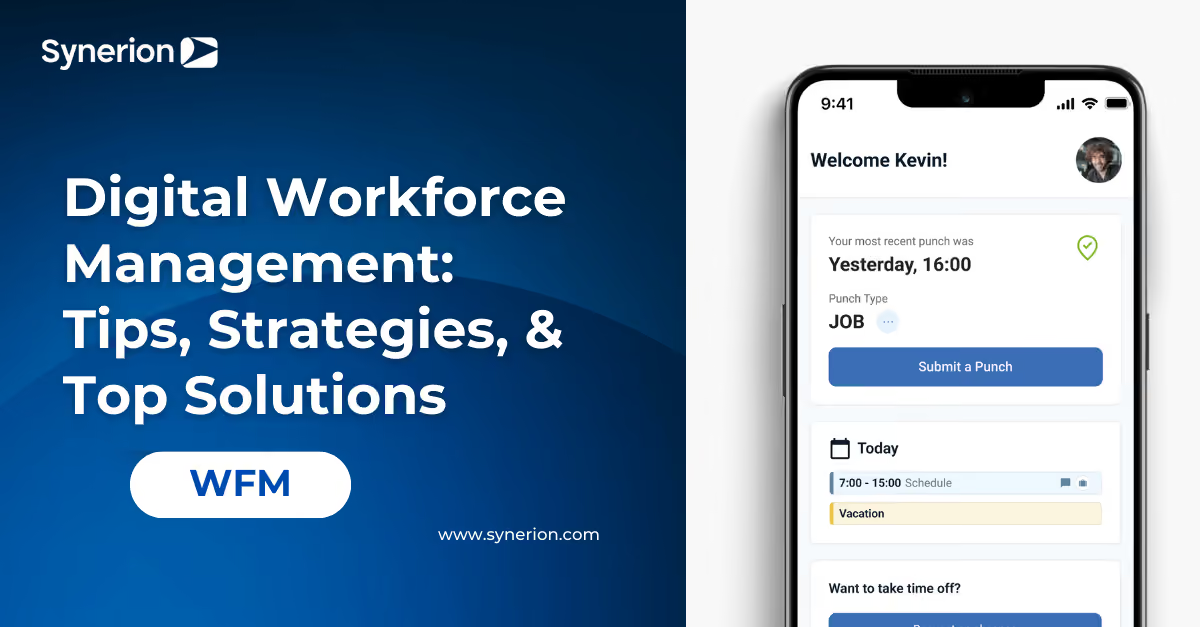
Digital Workforce Management: Tips, Strategies, & Top Solutions

Most businesses today rely on more than just people to get the job done. Digital tools and automation are now as common on the shop floor or in the office as employees themselves.
Digital workforce management is the key to making sure everything works together smoothly. If you want your team and your technology to run like clockwork, understanding this approach is essential.
Main Takeaways:
- Digital workforce management brings people and digital tools into one system. It helps teams assign the right work to the right worker.
- Organizations use digital workforce management to improve visibility, control, and compliance. Work stays accurate as operations become more complex.
- Digital workforce management relies on automation, shared platforms, and tracking tools. These components help coordinate work across people and digital systems.
- A clear strategy makes digital workforce management effective. Goals, ownership, and regular measurement help teams scale with confidence.
What Is Digital Workforce Management?
Digital workforce management (DWM) is how businesses manage people and digital workers together.
Digital workers include software bots, automation tools, and AI agents. They handle tasks that follow clear rules or involve large amounts of data. Employees focus on work that needs thinking, judgment, and decisions.
DWM puts people and technology into one system. It helps assign the right task to the right worker. Teams can manage schedules, time, tasks, and performance in one place while making sure rules are followed.
Benefits of Digital Workforce Management

Alt text: Three construction professionals in safety vests and hard hats discussing a project at a building site, with one holding a walkie-talkie and a leveling tool.
Digital workforce management helps organizations stay organized as work becomes more complex. It brings people and digital tools together so work moves faster and stays under control.
- Clear ownership and accountability improve execution. Work is clearly assigned to either people or digital tools, reducing confusion and missed handoffs.
- Employee time is used more effectively. Routine and data-heavy tasks are handled by automation, allowing employees to focus on higher-value work.
- Visibility across operations improves decision-making. Real-time insights show how work is progressing and where delays or issues appear.
- Issues are detected and resolved faster. Alerts and exceptions help teams fix problems before they affect schedules, payroll, or service.
- Operations scale without added complexity. Digital workers support higher workloads without requiring additional headcount.
- Control and compliance are applied consistently. Rules, policies, and governance are enforced across both human and digital work.
Digital Workforce Management vs. Other Workforce Tools
Digital workforce management is often confused with workforce software or automation tools. Each serves a different role.
- Traditional workforce management: Focuses on employees, including scheduling, time tracking, and labor rules. DWM manages both people and digital workers together.
- Automation or RPA: Executes specific, rule-based tasks. Digital workforce management decides how and when that automation is used.
- Digital workplace tools: Support communication and collaboration. DWM focuses on task execution, performance, and outcomes.
Learn More About Workforce Management
Explore how workforce management is evolving and what that means for modern operations.
Explore Workforce Management InsightsKey Components of Digital Workforce Management

Digital workforce management is built on a few core parts. These parts help people and digital tools work together smoothly.
Human and Technology Working Together
Digital workforce management shows how work is shared between people and digital tools. Digital workers handle repeat tasks, while employees focus on thinking and decisions. This reduces confusion and missed handoffs.
Automation and Digital Task Execution
Automation handles routine, data-heavy work like data entry, schedule checks, and reports. Clear rules help make sure tasks are done correctly and on time.
A 2025 McKinsey report revealed that most companies are increasing their AI investments. However, only 1% feel they are using these tools well. This highlights a significant opportunity to improve digital workforce strategies.
Unified Platforms and Central Oversight
A unified platform brings workforce data, task execution, and monitoring into one view. Managers can see what work is happening, who or what is doing it, and where issues need attention.
Performance Tracking and Insights
Systems track both employee and digital work. Alerts flag delays or errors. Dashboards show time usage, employee performance changes, and work improvement opportunities.
Explore Workforce Management Software Built for Complex Operations
See how Synerion supports automation, compliance, and real-time workforce visibility.
Discover WFM SoftwareCore Technologies Behind Digital Workforce Management
Digital workforce management relies on several core technologies. These technologies help automate, coordinate, and monitor work.
- Robotic process automation (RPA) handles repetitive, rule-based tasks. These include data entry, time checks, and report creation.
- AI and AI agents support decision-making. They route tasks, flag issues, and respond to changes in real time.
- Natural language processing (NLP) helps systems read and understand text. This includes emails, forms, and messages.
- Workflow orchestration controls how tasks move from one step to the next. It keeps work flowing across people, digital workers, and systems.
- Integrations and APIs connect workforce tools with other systems. This includes payroll, HR, and ERP platforms.
- Analytics and dashboards track performance and activity. They highlight problems and show where improvements are needed.
Types of Tools Used in Digital Workforce Management

Organizations use different tools to manage people and digital workers. Each tool plays a specific role.
- Workforce management software handles scheduling, time tracking, and attendance. Platforms like Synerion often serve as the main system of record.
- Automation platforms create digital workers for repeat tasks. These tasks include data entry and validations.
- Unified management hubs bring workforce data into one place. They give leaders a clear view of work across people and digital tools.
Key Features of Digital Workforce Solutions
Digital workforce tools range from basic systems to advanced platforms. The table below shows how features change as workforce needs grow.
| Feature | Basic Systems | Advanced Digital Workforce Platforms |
|---|---|---|
| Time Tracking | Simple punch in/out | Multi-device, geofenced, biometric |
| Scheduling | Manual templates | AI-assisted, rule-based automation |
| Compliance | Basic overtime tracking | Multi-jurisdiction rules, automatic updates |
| Integration | Limited connections | 100+ system integrations |
| Analytics | Standard reports | Real-time dashboards, predictive insights |
Common Digital Workforce Use Cases
Digital workforce management helps people and automation work together. These use cases help teams save time, reduce mistakes, and stay organized as work grows.
- Automate scheduling and time validation. Punches, schedules, and exceptions are checked before payroll runs.
- Streamline payroll preparation and error handling. Missing data, overtime issues, and rule conflicts are flagged for review.
- Monitor labor compliance consistently. Labor rules, union agreements, and policies are applied the same way across locations.
- Automate high-volume data processing. Repetitive tasks like importing, updating, or reconciling records are handled automatically.
- Manage exceptions and alerts in real time. Managers are notified when missed punches or coverage gaps occur.
- Support seasonal and peak workloads. Digital workers scale up during busy periods without adding staff.
- Centralize cross-system reporting. Data from multiple tools is combined into one reliable view.
- Generate operational insights continuously. Trends are identified to improve staffing, costs, and productivity.
7 Steps to Building a Digital Workforce Strategy

Building a strong digital workforce strategy takes planning. Use these steps to keep your approach clear and scalable:
- Define clear goals. Decide what problems you want to fix, such as payroll errors or schedule gaps. Write down how you will measure success.
- Identify tasks for digital workers. Choose repeat and rule-based work like time checks or payroll prep. Keep judgment-based work with people. Review a few workflows first and pick the easiest place to start.
- Assign clear ownership. Pick one person or team to manage the digital workforce. This keeps work on track and issues resolved. Make sure they have the authority to make changes when needed.
- Plan system integration early. Connect tools to payroll, HR, ERP, and scheduling systems. This reduces manual work and errors. Confirm what data needs to sync and how often it should update.
- Pilot workflows and scale slowly. Start with one process and test it. Expand only after it works well. Document what you learn so the next rollout is faster.
- Set governance and security rules. Define access, monitoring, and escalation steps. This keeps automation safe and responsible. Create a simple approval process for changes to rules or automations.
- Measure results and improve over time. Track errors, time saved, and schedule accuracy. Use the data to make improvements. Review results on a regular schedule and adjust as needed.
See Digital Workforce Management in Action
See how Synerion automates complex workforce tasks while maintaining control, accuracy, and compliance across your operations.
Book a DemoStrengthen Workforce Control in a Digital-First World with Synerion
Synerion provides flexible workforce management software for people and digital tools. The platform handles complex needs like union rules, multi-location schedules, and labor costing.
Unlike rigid systems, Synerion adapts to how your organization works. The system is configured to fit your processes, so teams don't need to change how they operate.
Synerion offers:
- Advanced features at a practical price. Access enterprise-level tools without enterprise costs.
- Fast, in-house setup. Synerion experts handle implementation from start to finish.
- Flexible product options. Choose the quick-start Agile Suite or the fully customized Enterprise Suite.
- Easy integrations. Connect with over 100 payroll and HR systems.
Synerion gives you a strong foundation for digital workforce management. Automation and real-time insights help you stay in control as your workforce grows.
Book a demo to see how Synerion can help you manage your entire workforce more effectively.
FAQs About Digital Workforce Management
What is a digital workforce?
A digital workforce includes people and digital tools working together. Digital tools can be automation software or AI assistants. They help with everyday tasks across the organization.
What are the four key pieces of workforce management?
The four key parts are time tracking, scheduling, compliance, and performance reporting. Together, they help teams manage work more clearly and accurately.
What is a digital workplace manager?
A digital workplace manager makes sure employees and digital tools work well together. They track performance, manage systems, and help keep work running smoothly.
What is the best digital workforce management system?
The best system depends on your needs. It should be easy to use, flexible, and support compliance. It should also manage people and digital tools in one place.